Fixing Kerberos Clock Skew
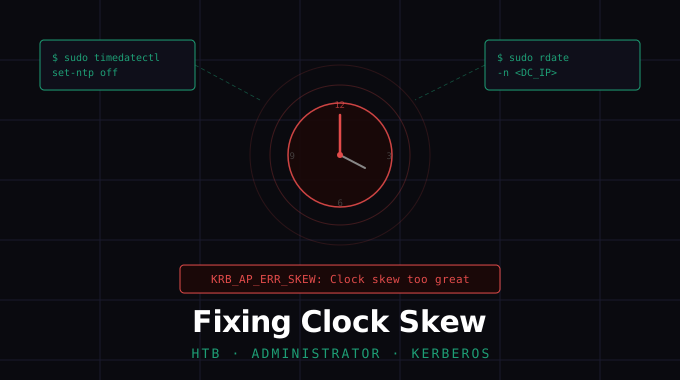
Fixing Kerberos Clock Skew
TL;DR: Two commands. Thirty seconds. Back to hacking.
The problem
You’ve got valid credentials. You’ve got your tooling ready. Then you fire off secretsdump, psexec, or evil-winrm — and get nothing back but a wall of red:
1
[-] Kerberos SessionError: KRB_AP_ERR_SKEW(Clock skew too great)
Kerberos is paranoid about time. By design, it rejects any authentication ticket where the client clock differs from the Domain Controller by more than 5 minutes. Your Kali box drifted. The DC didn’t. Now nothing works — and the error message barely tells you why.
Why this happens in CTFs
HTB machines run in a shared cloud environment. Your attack box may have been suspended, snapshotted, or simply never synced against a reliable time source. Meanwhile, the target DC keeps ticking on its own schedule. The gap quietly grows — until Kerberos pulls the handbrake.
in This example ill be using htb’s Administrator machine and from running a command to ask for kerberos ticket we are met with the error Kerberos SessionError: KRB_AP_ERR_SKEW(Clock skew too great) As we can see trying to ask for ticket as michael backfires because of the clock skew issue. 
The fix
Step 1 — Disable NTP on your attack box
1
sudo timedatectl set-ntp off
This stops your system from fighting back to its own NTP source after you sync. Without this step, the OS will quietly re-sync and undo your fix within minutes.
Step 2 — Sync your clock to the DC
1
sudo rdate -n <DC_IP>
This forces your clock to match the Domain Controller’s exactly. The -n flag uses the NTP protocol for the sync without installing a persistent daemon — it’s a clean, one-shot operation.
After the fix
Re-run your Kerberos attack. The skew is gone, tickets are valid, and the DC will happily hand out TGTs.
In our case using michael to ask for tgt  And we do get it.
Once you’re done with the box, re-enable NTP to keep your system healthy:
1
sudo timedatectl set-ntp on
Quick reference
| Command | Purpose |
|---|---|
sudo timedatectl set-ntp off | Disable automatic NTP sync |
sudo rdate -n <DC_IP> | Sync clock to the Domain Controller |
sudo timedatectl set-ntp on | Re-enable NTP when done |
Say no more to clock skew issues.Adios.